The Brain
Your visual workspace to organize and connect your team's knowledge.
What is The Brain?
Think of The Brain as your team's digital whiteboard. It's a visual space where you can collect links, write notes, and organize everything into folders. You can drag items around, connect related ideas, and build a knowledge base that works the way your team thinks.
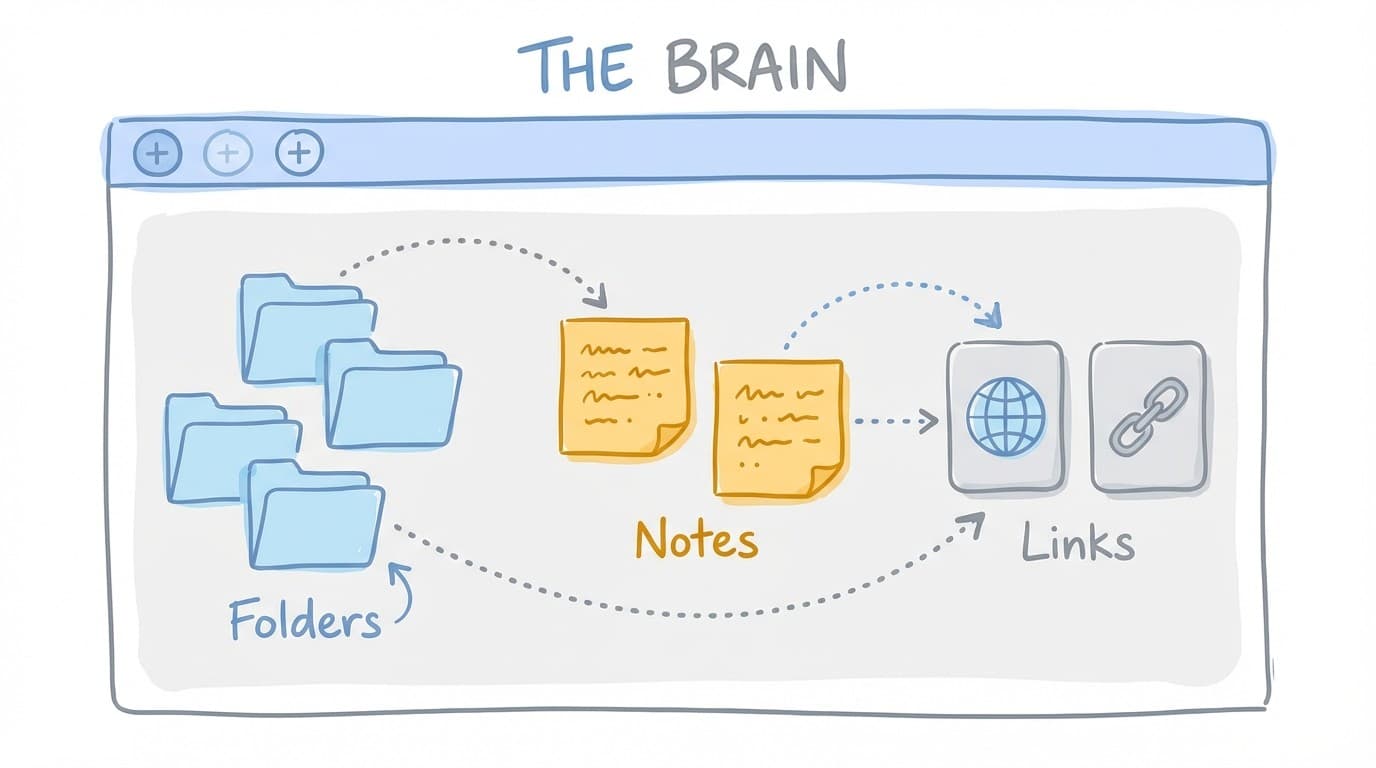
Getting started: Open any project and you'll see The Brain. Click anywhere to start adding items, or use the toolbar at the top.
What You Can Add
Folders
Folders help you group related items together. You can customize each folder with its own icon and color, add a description, and even turn it into a dashboard to display important information at a glance.
- Give folders clear names so your team knows what's inside
- Use colors to create visual categories
- Folders can contain other folders for deeper organization
Notes
Notes are like digital sticky notes. Use them to jot down ideas, write instructions, or save important information. You can format your text, choose different colors, and resize notes to fit your content.
- Notes auto-save as you type
- Click a note to expand it for easier editing
- Use different colors to indicate priority or category
Links
Save links to websites, articles, documents, or any online resource. Magpai automatically fetches a preview with the page title, description, and image so you can see what each link is about at a glance.
- Add a custom label to make links easier to find
- Links show previews with images and descriptions
- Group related links in folders to stay organized
Organizing Your Brain
Everything in The Brain can be moved around by dragging. Right-click any item to see more options like editing, moving to a folder, duplicating, or asking Maggie for help.
Quick Actions
- Drag items to rearrange them on the canvas
- Right-click to see all available options
- Double-click to open and edit an item
- Ask Maggie to help organize, summarize, or work with your items
Keyboard Shortcuts
Speed up your work with these handy shortcuts:
Tips for Success
Start simple
You don't need to organize everything perfectly from day one. Start by adding items as you find them, then organize into folders as patterns emerge.
Use Maggie
Right-click any item and select "Ask Maggie" to get AI help. Maggie can summarize content, suggest organization, answer questions about your items, and more.
Share with your team
Everything in The Brain is visible to your team by default. Use folders to create shared spaces for different projects or topics.