Building Workflows
Learn how to design effective workflows with the right step structure and patterns.
Anatomy of a Workflow
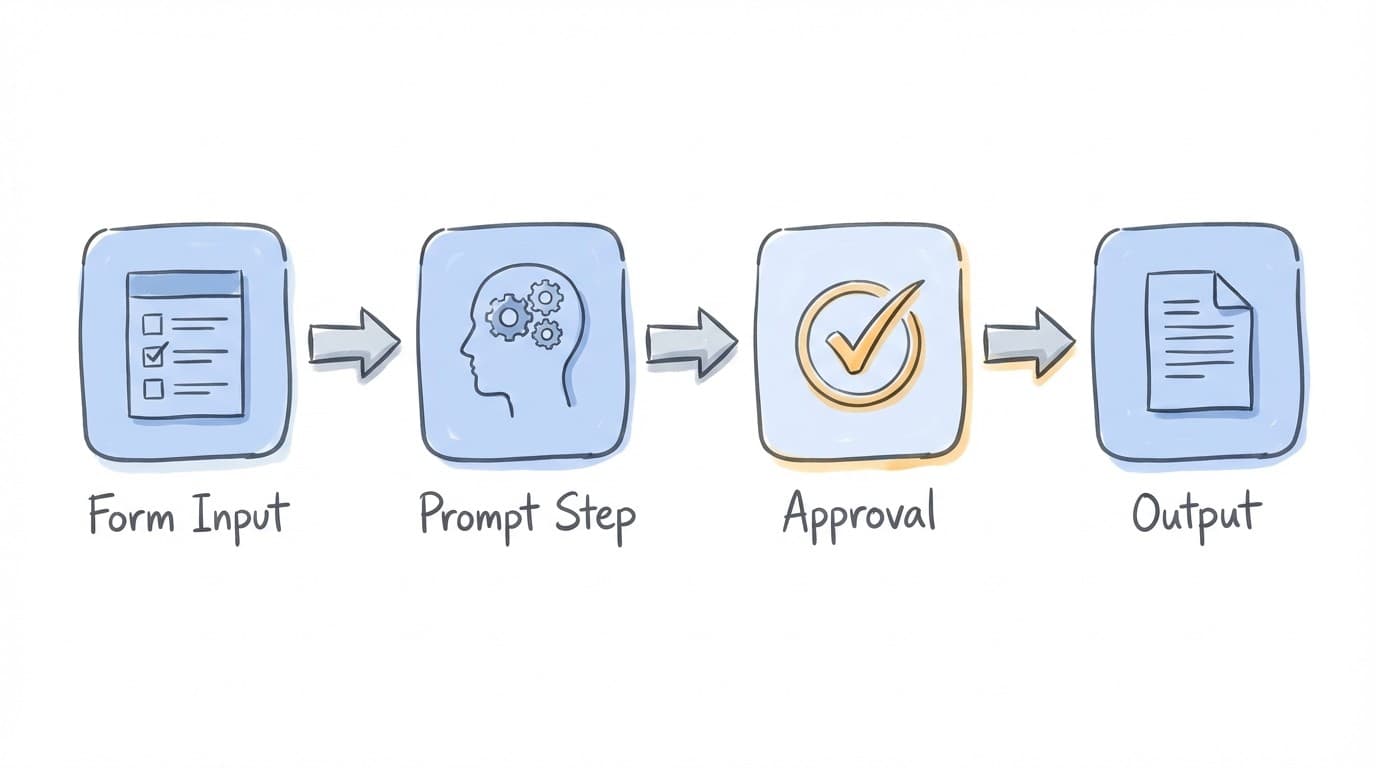
A workflow is a sequence of steps that Maggie executes in order. Each step has a specific purpose, and the output of one step becomes available to the next.
Name & Description
Human-readable title and purpose
Prompt
Main context and instructions
Steps
Ordered sequence of operations
Step Order
Deterministic execution sequence
Output Schema
Optional structured result format
Variants
Different context versions
Step Types
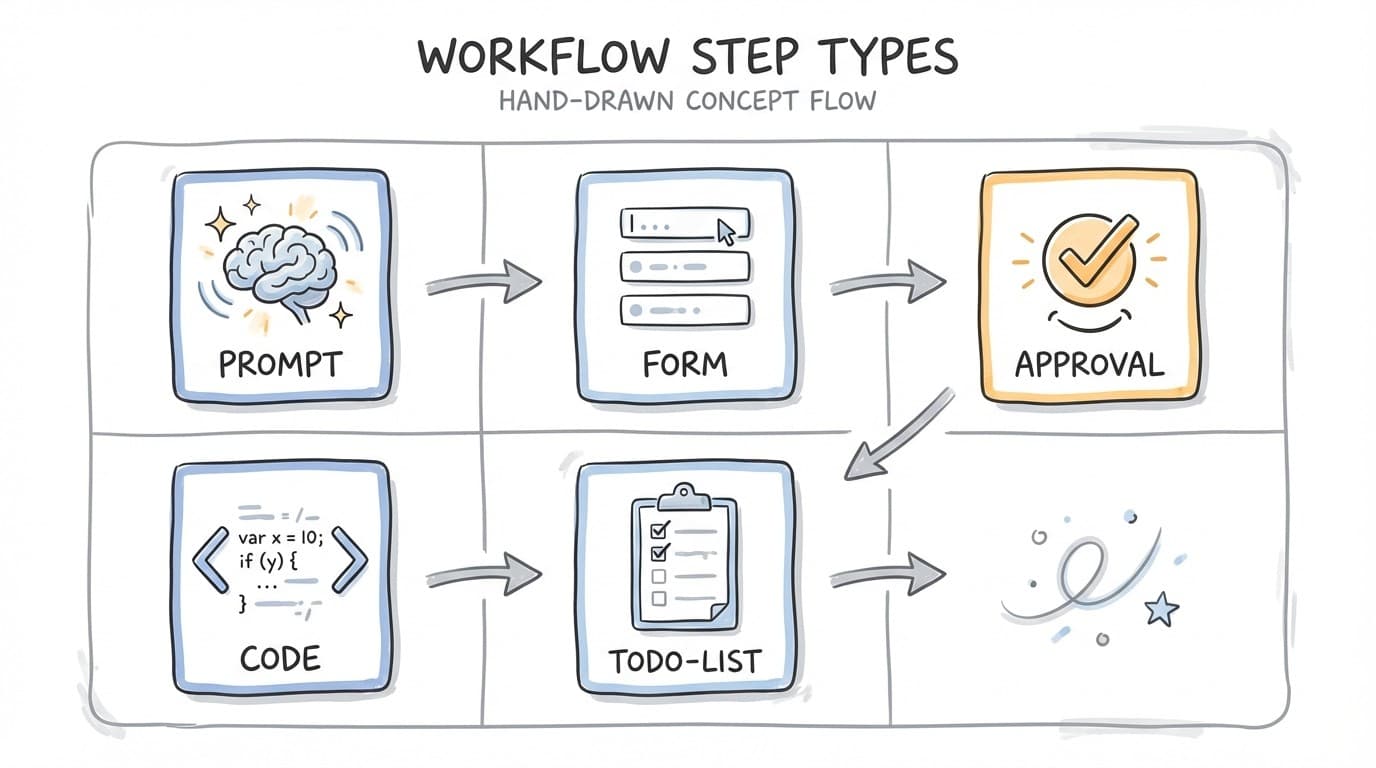
Workflows are built from five types of steps. Each type serves a different purpose in the automation pipeline.
Execution Flow
Understanding how workflows execute helps you design better automations.
Initialize
Workflow starts with initial inputs and loads variant context if specified.
Execute Steps
Steps run in order. Each step receives outputs from previous steps as inputs.
Handle Pauses
Some steps (Form, Approval, Todo-List) pause for human interaction. Workflow resumes when completed.
Accumulate Results
Outputs from each step are collected. Output schema validates final structured data.
Complete
Workflow finishes with final outputs and analytics. Notifications sent if configured.
Common Workflow Patterns
These patterns help you structure workflows for common use cases.
Input → Process → Review
Collect information, have Maggie process it, then review before sending.
Research → Analyze → Report
Gather data, analyze findings, produce structured results.
Generate → Choose → Execute
Generate options, let user pick, then act on selection.
Plan → Tasks → Complete
Create a plan, break into tasks, track completion.
Data Flow Between Steps
Each step can access outputs from previous steps. This allows you to chain operations together.
Step 1 (Form)
  └→ inputs: { topic: "AI Trends", length: "short" }

Step 2 (Prompt)
  └→ receives: { topic, length }
  └→ outputs: { research: "..." }

Step 3 (Approval)
  └→ receives: { topic, length, research }
  └→ outputs: { approved_content: "..." }

Step 4 (Prompt)
  └→ receives: all accumulated outputs
  └→ executes: final actions (e.g., send email)
Best Practices
1. Start with clear objectives
Define what the workflow should accomplish before adding steps. A clear goal helps you choose the right step types and order.
2. Use approval steps for critical actions
Always add approval steps before sending emails, posting content, or making irreversible changes. You can also enable guardrails on prompt steps.
3. Keep prompts focused
Each prompt step should do one thing well. Split complex tasks into multiple steps rather than cramming everything into one prompt.
4. Provide context in the workflow prompt
The main workflow prompt sets context for all steps. Include background information, style preferences, and any constraints here.
5. Use output schemas for structured data
If you need specific data extracted (like numbers, lists, or objects), define an output schema. This ensures consistent results.
6. Test with different inputs
Run your workflow with various inputs to catch edge cases. Check that prompts handle unexpected data gracefully.
Choosing the Right Step Type
Use this guide to pick the right step for your needs:
- Need AI to think, research, or write? → Prompt Step
- Need user input at runtime? → Form Step
- Need human review before continuing? → Approval Step
- Need complex logic or calculations? → Code Step
- Need to track task completion? → Todo-List Step
Next Steps
Now that you understand workflow structure, dive deeper into each step type:
- Prompt Steps - AI-powered processing
- Form Steps - Collecting user input
- Approval Steps - Human review modes
- Approvals Guide - Deep dive into approval patterns